Tag: lighting

  • How to Reduce Eye Strain With Better Desk Lighting

    How to Reduce Eye Strain With Better Desk Lighting

    Eye strain at a desk is often blamed entirely on screen time, but lighting is just as often the real cause — or at least a major contributor. Here’s what actually helps, beyond the generic advice to “take breaks.”
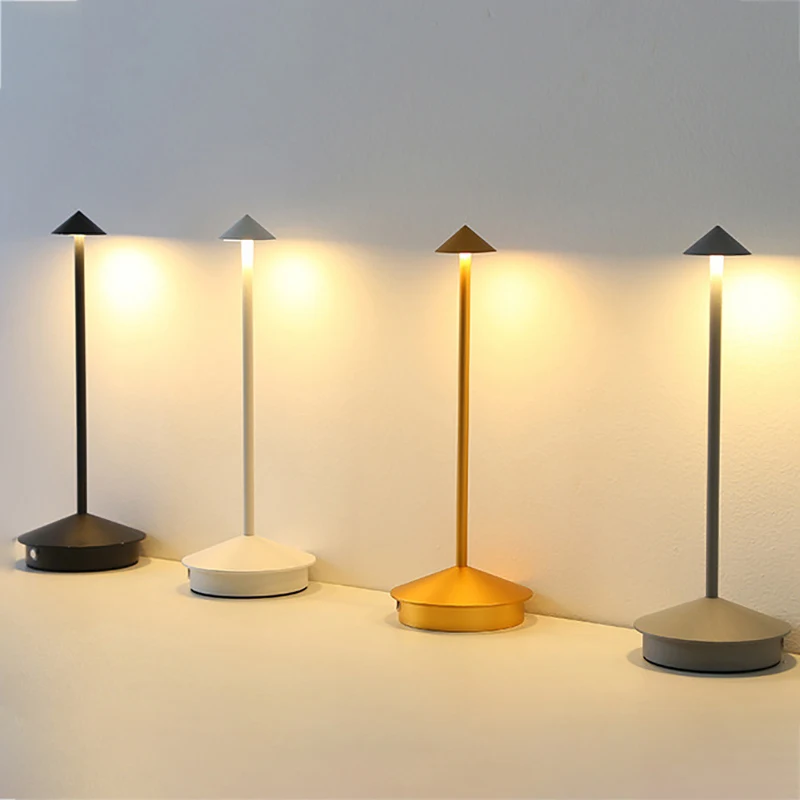
    Desk lamp reducing eye strain with warm light

    Avoid working under a single overhead light

    A single overhead light creates high contrast between a bright ceiling fixture and a comparatively dim desk surface, which forces your eyes to constantly readjust as you look between your screen and the room. Adding a dedicated desk lamp brings the light level around your monitor closer to the light level of the screen itself, reducing that constant readjustment.

    Match your screen brightness to the room, not the other way around

    A screen that’s much brighter or dimmer than its surroundings makes your eyes work harder to adjust. In a bright room, increase screen brightness to match; in a dim room, lower it. If you work at different times of day, a monitor with automatic brightness or a lamp with adjustable output makes this easier to keep in balance.

    Position lighting to avoid screen glare

    Any light source that reflects directly off your monitor — including window light — creates glare that forces your eyes to strain around it. Position desk lamps to the side rather than behind your monitor, and angle or curtain windows so they don’t reflect directly into the screen during work hours.

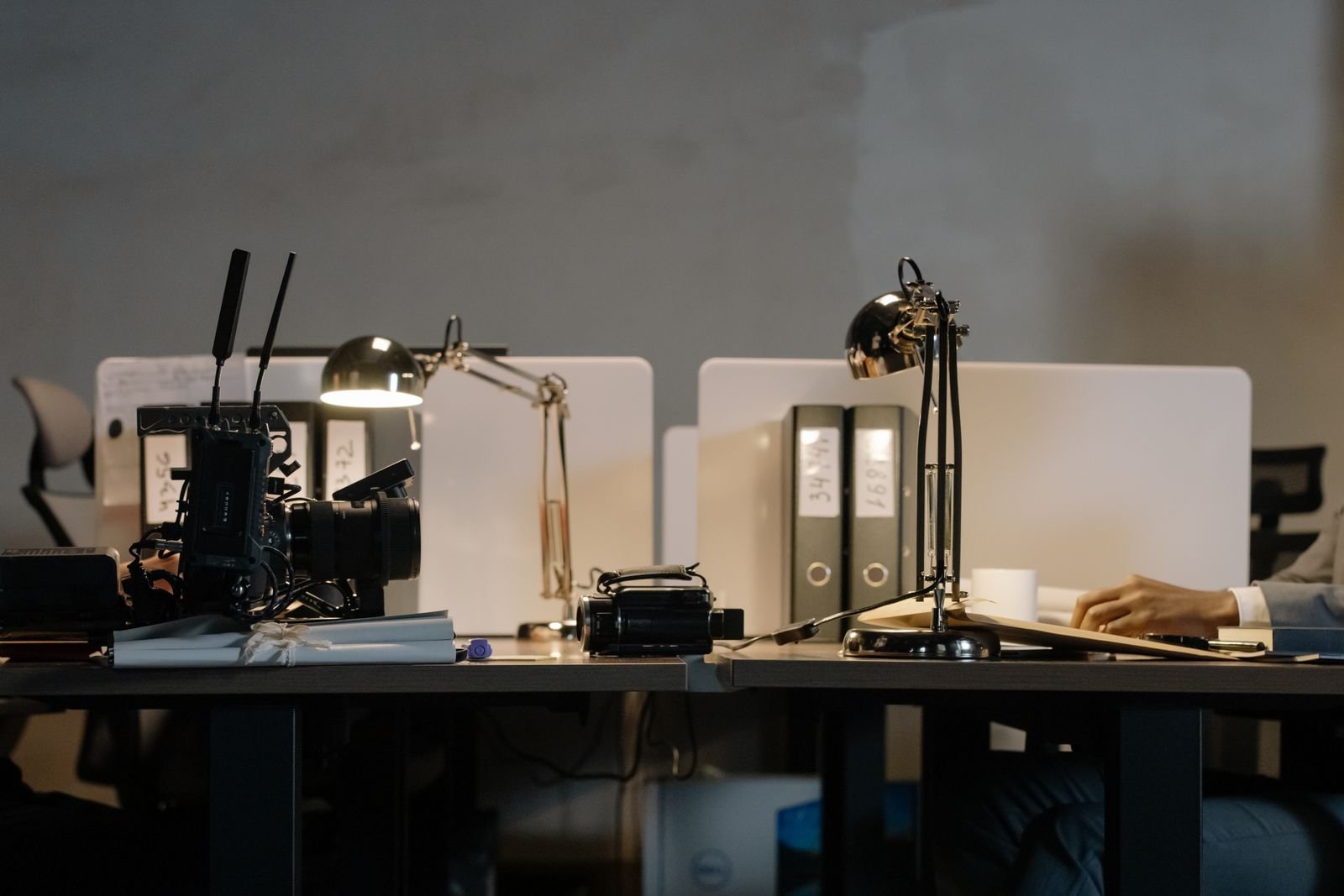
    Warm desk lamp reducing glare

    Warmer light in the evening reduces strain from blue light

    Cooler, bluer light in the evening can increase eye strain and interfere with winding down later. Switching to warmer light tones in the evening — either with an adjustable lamp or your monitor’s built-in blue light filter — reduces this without requiring you to stop working earlier.

    The 20-20-20 rule still matters

    Even with ideal lighting, staring at a fixed focal distance for hours tires your eye muscles. Every 20 minutes, looking at something roughly 20 feet away for 20 seconds gives your eyes a genuine break that lighting alone can’t replace.
    Adjustable lamp brightness control

    Bottom line

    Add a dedicated desk lamp, keep screen brightness matched to the room, and avoid direct glare — those three changes address most lighting-related eye strain. Screen breaks handle the rest.

  • Desk Lamp Buying Guide: Brightness, Color Temp, and Placement

    Desk Lamp Buying Guide: Brightness, Color Temp, and Placement

    A desk lamp seems like the simplest purchase in a home office setup, but the wrong one leaves you squinting at a monitor or working under light that makes video calls look washed out. Here’s what actually separates a good desk lamp from one you’ll want to replace in a month.

    LED desk lamp with touch dimming

    Brightness matters more than wattage

    LED lamps are rated in lumens, not watts, and the number that matters is how much light actually reaches your desk surface — not the bulb’s raw output. For focused desk work, look for lamps in the 400-800 lumen range at typical working distance; anything much dimmer forces your eyes to strain, and anything much brighter without dimming can wash out your webcam.

    Adjustable color temperature beats a single fixed tone

    Cooler light (5000-6500K) reads as white-to-blue and helps with alertness and detail work like reading spreadsheets. Warmer light (2700-3000K) is easier on the eyes for long calls and evening work. A lamp that only offers one fixed temperature forces a compromise; one with adjustable temperature — even just 3 preset levels — lets you match the light to the task instead.

    Dimming quality is not optional

    Cheap dimmers can introduce a visible flicker, especially on camera during video calls, even if your eyes don’t consciously notice it. Stepless dimming or at least 5+ brightness steps gives you finer control than a basic 3-level toggle.

    LED desk lamps lineup

    Placement changes everything

    A lamp positioned directly in front of your monitor creates glare on the screen; one positioned too far to the side leaves half your desk in shadow. The sweet spot for most desks is slightly behind and to the side of your dominant hand, angled down at the work surface — this reduces both screen glare and shadow cast by your own hand while writing or typing.

    Clamp mount vs weighted base

    Clamp-mounted lamps free up desk surface and work well if your desk edge is accessible, but they can mark or dent softer desktop materials over time. Weighted-base lamps sit anywhere and are easy to reposition, but take up desk footprint. If your desk is already tight on space, a clamp mount is usually worth the tradeoff.

    Desk lamp touch dimming control

    Bottom line

    Prioritize adjustable color temperature and smooth dimming over raw brightness or a fancy design — those two features affect daily comfort more than anything else on the spec sheet. Everything else is largely personal preference.

  • Warm vs Cool Lighting for Home Office: What Works Best

    Warm vs Cool Lighting for Home Office: What Works Best

    This post contains affiliate links. If you buy through these links, we may earn a commission at no extra cost to you.

    Light color temperature — measured in Kelvin — has a bigger effect on how a home office feels and functions than most people expect when picking a desk lamp. Here’s how warm and cool lighting actually differ in practice, and which situations call for each.

    LED desk lamp with adjustable color temperature

    What the numbers mean

    Warm light sits around 2700K to 3000K and has a yellowish, cozy tone similar to a traditional incandescent bulb. Cool light sits around 5000K to 6500K and looks closer to white or slightly blue, similar to daylight. Most adjustable desk lamps let you shift somewhere along this range rather than locking you into one temperature.

    Cool light for focus-heavy work

    Cooler, whiter light tends to feel more alert and is generally easier on the eyes for detail-heavy tasks like reading small text, editing spreadsheets, or close design work, since it more closely resembles daylight. Many people find it easier to stay focused under cool light during the middle of a workday.

    Warm light for calls, reading, and evening work

    Warm light is generally more comfortable for longer stretches without feeling harsh, and tends to look better on video calls since it’s flattering to skin tone in a way cool white light often isn’t. If you work into the evening, warm light is also less likely to interfere with winding down afterward compared to cooler, bluer light.

    LED desk lamps in different color tones

    Why adjustable lamps solve the debate

    Rather than committing to one temperature, a lamp with adjustable color temperature lets you shift from cool light during focused morning work to warmer light for afternoon calls or evening sessions. This is generally more useful than buying two separate lamps, since your lighting needs usually change throughout the day rather than staying fixed.

    Brightness matters as much as color

    Color temperature gets most of the attention, but brightness (measured in lumens) and where the light is positioned matter just as much. A lamp angled to reduce glare on your screen, positioned to avoid harsh shadows on your hands while writing, generally makes a bigger comfort difference than color temperature alone.

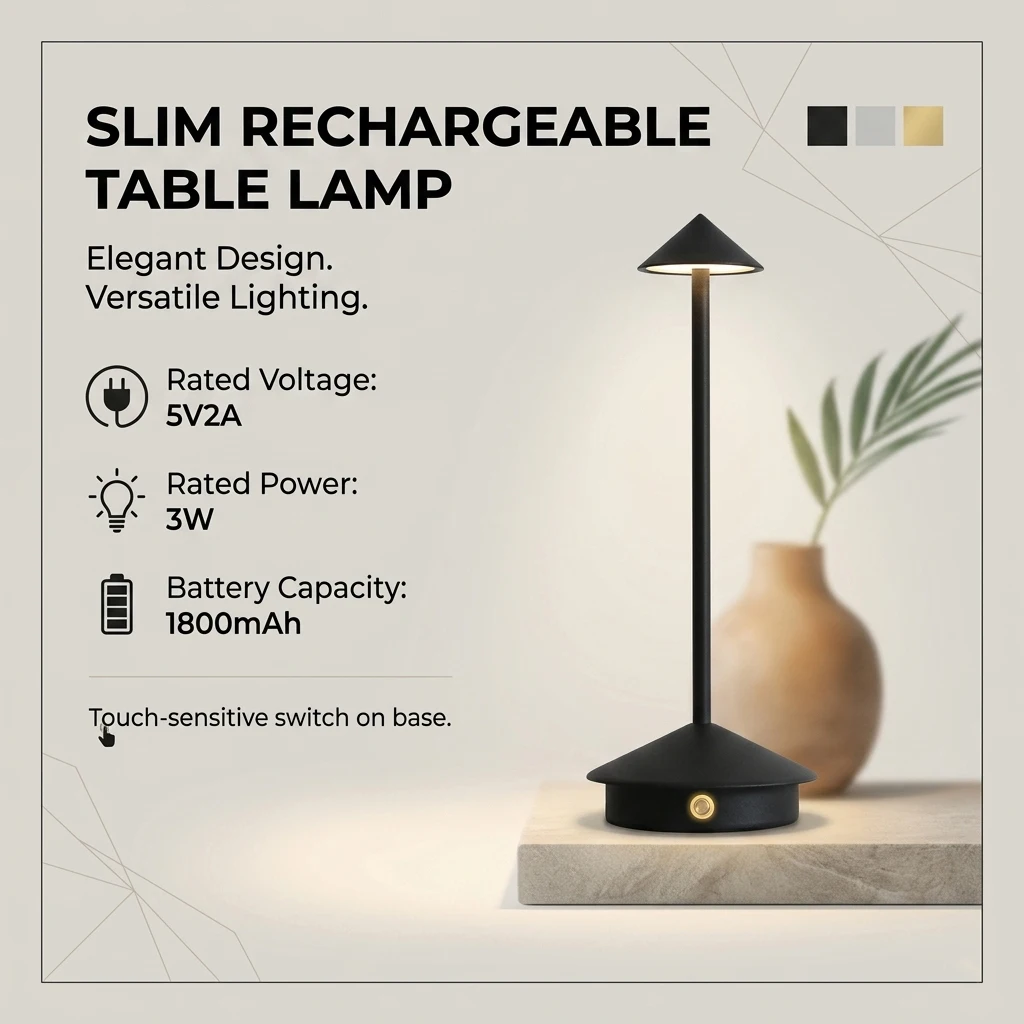
    Example pick: a rechargeable LED desk lamp with 3 adjustable color temperatures lets you switch between cool and warm without buying two lamps. (affiliate link)

    Slim rechargeable desk lamp specs

    Bottom line

    There’s no universally “correct” color temperature — cool light suits focused daytime work, warm light suits calls and evening hours, and an adjustable lamp lets you avoid choosing just one. If you only take away one thing, prioritize a lamp with adjustable temperature and brightness over a fixed-temperature lamp, regardless of which single color you’d otherwise pick.