Heads up: some links in this post are affiliate links, which means we may earn a small commission if you make a purchase — at no extra cost to you.
Desktop organizer trays sit on your desk surface and corral pens, sticky notes, paper clips, and other everyday items that otherwise scatter across your workspace. The three main styles—single compartment, multi-tier, and stackable—differ in footprint, capacity, and how easy they are to access while you work. Picking the right format depends on how much desk real estate you can spare and whether you prefer everything visible at a glance or neatly layered.
This checklist breaks down the three formats so you can decide which layout fits your desk and workflow.
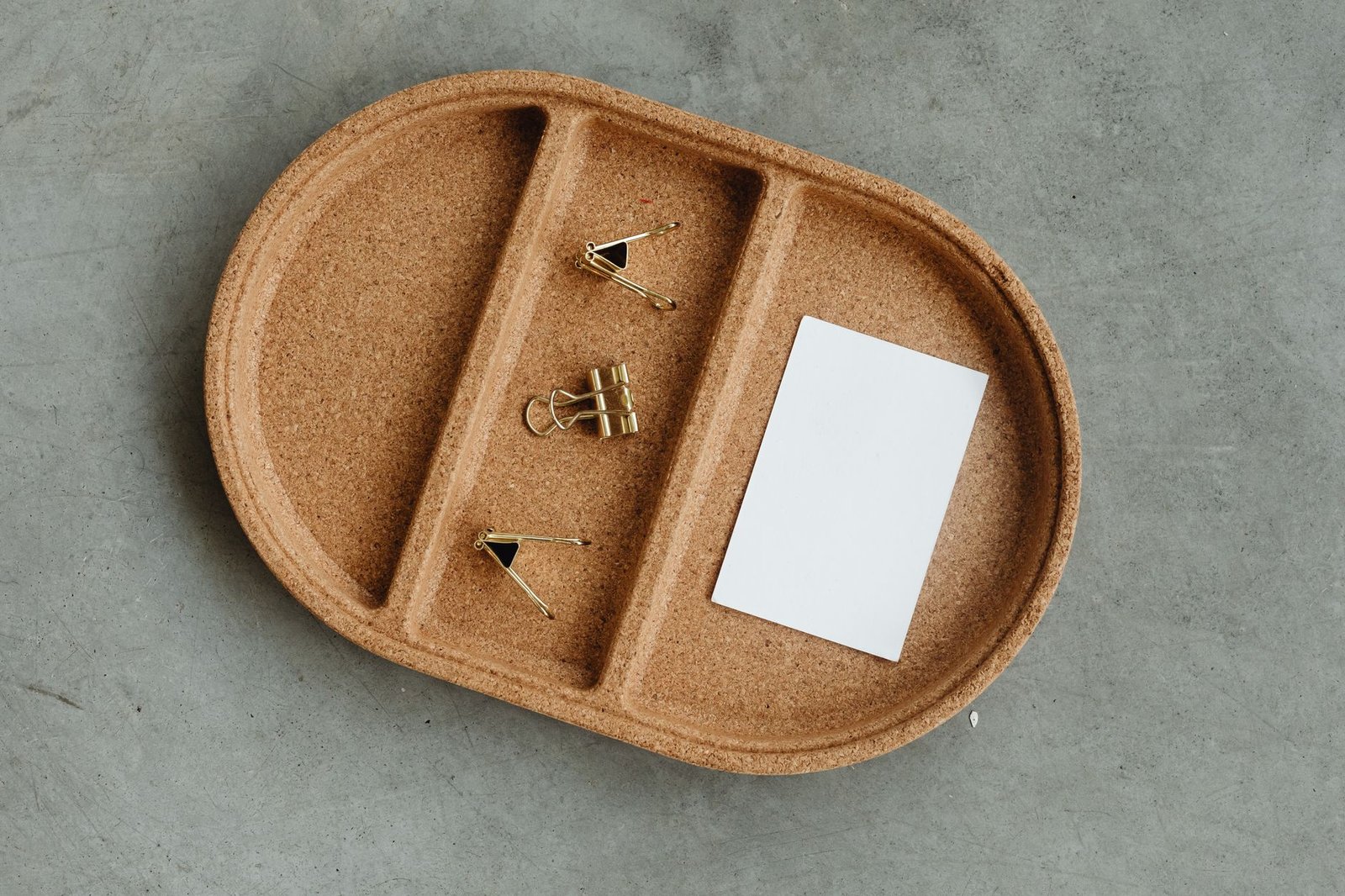
Single Compartment Trays

- What they are: Flat trays with one or more divided sections arranged side by side on a single level.
- Footprint: Wider and shallower; they spread horizontally across your desk.
- Best for: People who want every item visible and within arm’s reach without lifting or sliding anything out of the way.
- Common materials: Bamboo, acrylic, metal mesh, plastic. Mesh versions are lighter and let air circulate; bamboo adds warmth but shows scuffs over time.
- Capacity trade-off: You can see and grab everything instantly, but you’ll use more desk width. If you’re working on a small desk, a single-compartment tray can crowd your keyboard or mousepad.
- Access speed: Fastest—no drawers to open, no trays to lift.

Multi-Tier Trays
- What they are: Two or three trays stacked vertically, often with each level slightly offset or angled so you can see the contents of the tier below.
- Footprint: Compact width, taller vertical profile.
- Best for: Desks with limited horizontal space but enough clearance above the desk surface—studio apartments, corner setups, or shared workstations.
- Common materials: Metal wire, mesh, molded plastic. Wire models are lighter but can tip if the top tier is loaded unevenly.
- Capacity trade-off: You pack more items into a smaller desk footprint, but the top tier can block overhead lighting or create a visual barrier if you sit close to the desk edge.
- Access speed: Moderate. Top-tier items are easy to reach; bottom-tier items may require you to lean forward or move the top tray aside.
- Stability: Check the base width and weight distribution. Lightweight wire models can wobble when you pull items from the top tier, especially if the base is narrow.
Stackable Trays
- What they are: Individual trays that nestle on top of one another, usually with interlocking tabs or rubber feet to prevent sliding.
- Footprint: Variable—you control the height by adding or removing trays.
- Best for: People who want flexibility to expand or shrink their organizer as their workflow changes, or who plan to repurpose trays elsewhere when upgrading desk accessories.
- Common materials: Plastic, acrylic, metal. Acrylic looks cleaner but scratches easily; plastic is cheaper but can yellow in direct sunlight.
- Capacity trade-off: You can start with one or two trays and add more later, but if you stack too high, the top tray becomes hard to reach without standing up.
- Access speed: Slowest for bottom trays—you may need to lift or unstack upper trays to reach items below.
- Modular advantage: You can split the stack across multiple desk areas or move one tray to a filing cabinet when you need more desk surface temporarily.
Quick Decision Guide
- Choose single compartment if: You have 12+ inches of horizontal desk space free and want instant visibility and access.
- Choose multi-tier if: Desk width is tight, you don’t mind reaching up or leaning slightly, and you need more vertical clearance than drawer space.
- Choose stackable if: Your storage needs fluctuate week to week, or you want the option to rearrange trays as your setup evolves.
For many home-office workers, a 7-piece drawer organizer set (affiliate link) placed inside a desk drawer complements any of these desktop trays—desktop organizers handle active items you reach for hourly, while drawer dividers store backup supplies and less-used tools. If you’re troubleshooting a messy desk, also review common desk setup mistakes to identify other quick fixes that reduce clutter at the source.
Leave a Reply