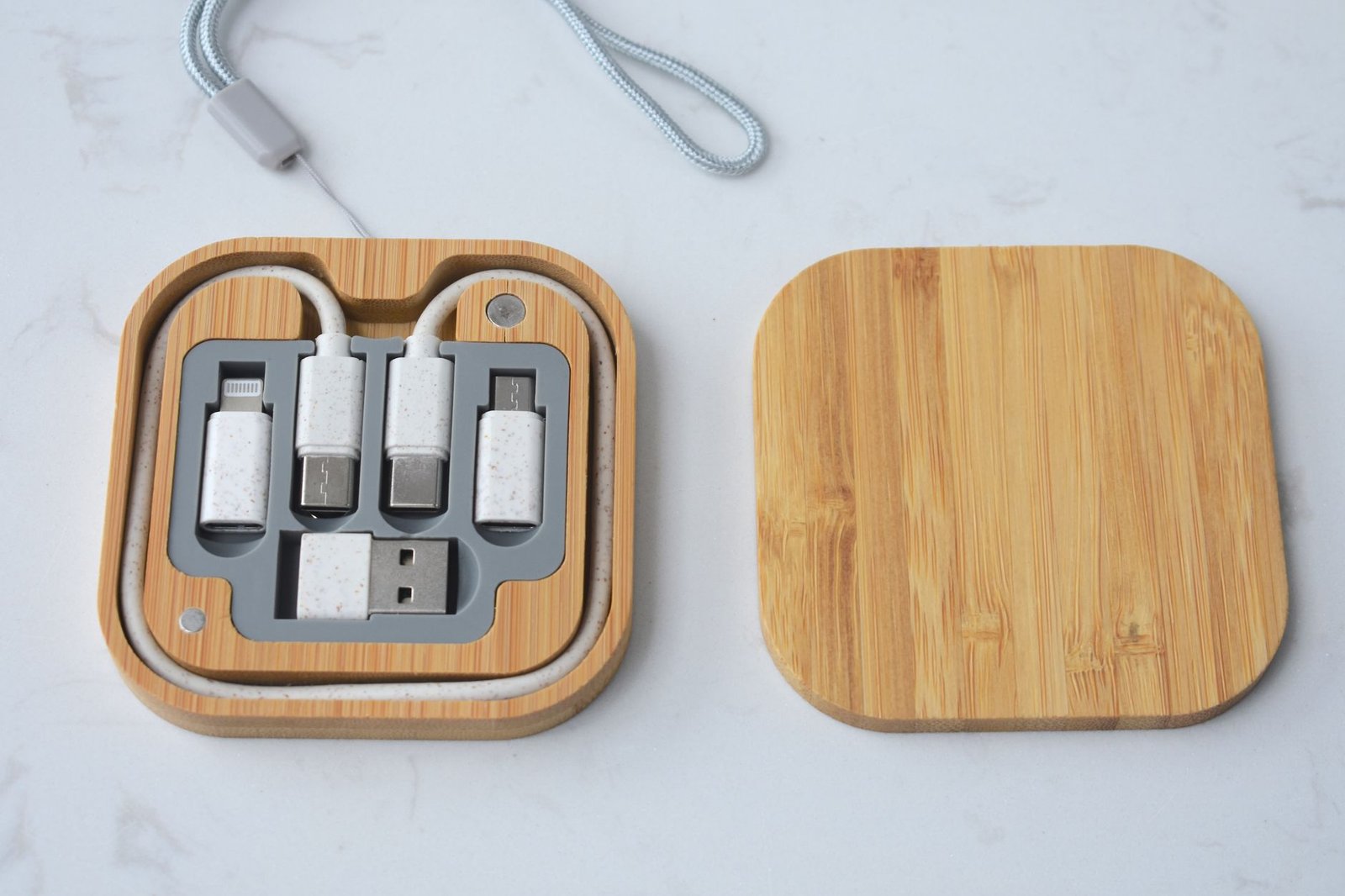
Cable management boxes collect loose power strips, excess cord slack, and wall-wart adapters in one contained space. But not all boxes work the same way. The lid style determines how easy it is to add or remove cables, how much ventilation your power strip gets, and whether the box blends into your desk or draws attention.
Here’s how the three main designs compare for typical home office setups.
Comparison Table
| Feature | Open-Top | Closed-Lid | Slotted |
|---|---|---|---|
| Cable Access | Instant – no lid to remove | Must lift lid to add/remove cables | Feed cables through pre-cut slots |
| Ventilation | Excellent – fully open air circulation | Limited – depends on vent holes in lid | Good – slots allow airflow |
| Dust Protection | None – dust settles inside freely | Best – fully enclosed | Moderate – slots limit entry |
| Visual Concealment | Minimal – cords visible from above | Complete – everything hidden | Partial – cord ends visible at slots |
| Setup Flexibility | Very easy to rearrange inside | Easy once lid is off | Requires threading through slots |
| Typical Capacity | 6-12 outlet power strip | 8-12 outlet power strip | 6-10 outlet power strip |
| Best For | Frequent cable changes, hot-running adapters | Static setups, clean aesthetic priority | Semi-permanent setups, moderate changes |
What the Differences Mean for Your Desk
Open-Top Boxes
Open-top boxes—sometimes called cable trays or baskets—work well when you swap peripherals often or run adapters that generate noticeable heat. Based on customer feedback, these boxes make it simple to add a new charger or temporarily plug in a device without disturbing other cables. The trade-off is dust accumulation and a less polished look, especially if your desk sits in a visible area. If you already use cable trays for under-desk routing, an open-top box keeps the same no-fuss access style on your desktop or floor.
Closed-Lid Boxes
Closed-lid boxes completely hide power strips, adapters, and coiled excess cable. Based on published specifications and buyer reviews, most closed designs include small vent holes to prevent heat buildup, but airflow is still more restricted than open models. These boxes suit static setups where you rarely plug or unplug devices—think a monitor, desk lamp, and laptop charger that stay connected all the time. The enclosed design also keeps dust out, which can extend the lifespan of power strip outlets and reduce the need for cleaning.
Slotted Boxes
Slotted boxes offer a middle ground: cables enter and exit through dedicated openings in the sides or top, while the rest of the box stays covered. This design hides the bulk of the mess but still lets you see which cable goes where without opening anything. According to customer feedback, slotted models work best when you have a predictable number of devices and only occasionally add or remove one. Threading new cables through the slots takes more effort than dropping them into an open box, but less effort than removing a full lid. If you plan to label your cables, slotted boxes make it easier to identify which cord is which at a glance.
Which Design to Choose
Pick an open-top box if you frequently plug in external drives, swap chargers, or use multiple high-wattage adapters that run warm. Choose a closed-lid box if your setup is stable, aesthetics matter, and you want maximum dust protection. Go with a slotted box if you need a cleaner look than open-top but don’t want the hassle of lifting a lid every time you add a cable. For desks in small home offices, a compact slotted or closed box can tuck under the desk or beside a leg without drawing attention, keeping your limited floor space visually uncluttered.
Leave a Reply