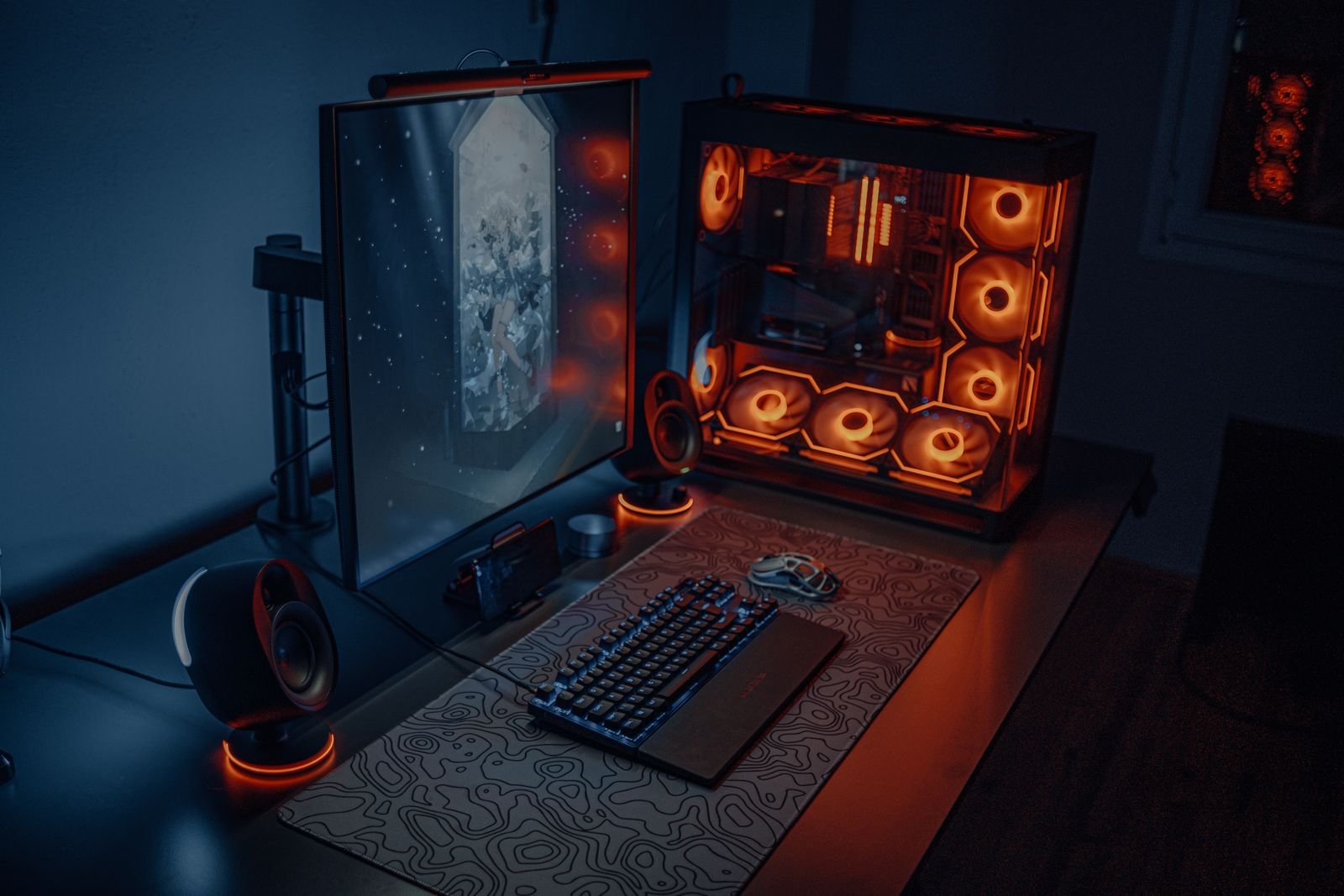
Gaming desks and work desks often use similar-looking furniture, but the actual priorities behind each setup are different enough that gear optimized for one is often the wrong choice for the other. Here’s where they genuinely diverge.
Monitor priorities: refresh rate vs color accuracy and multitasking
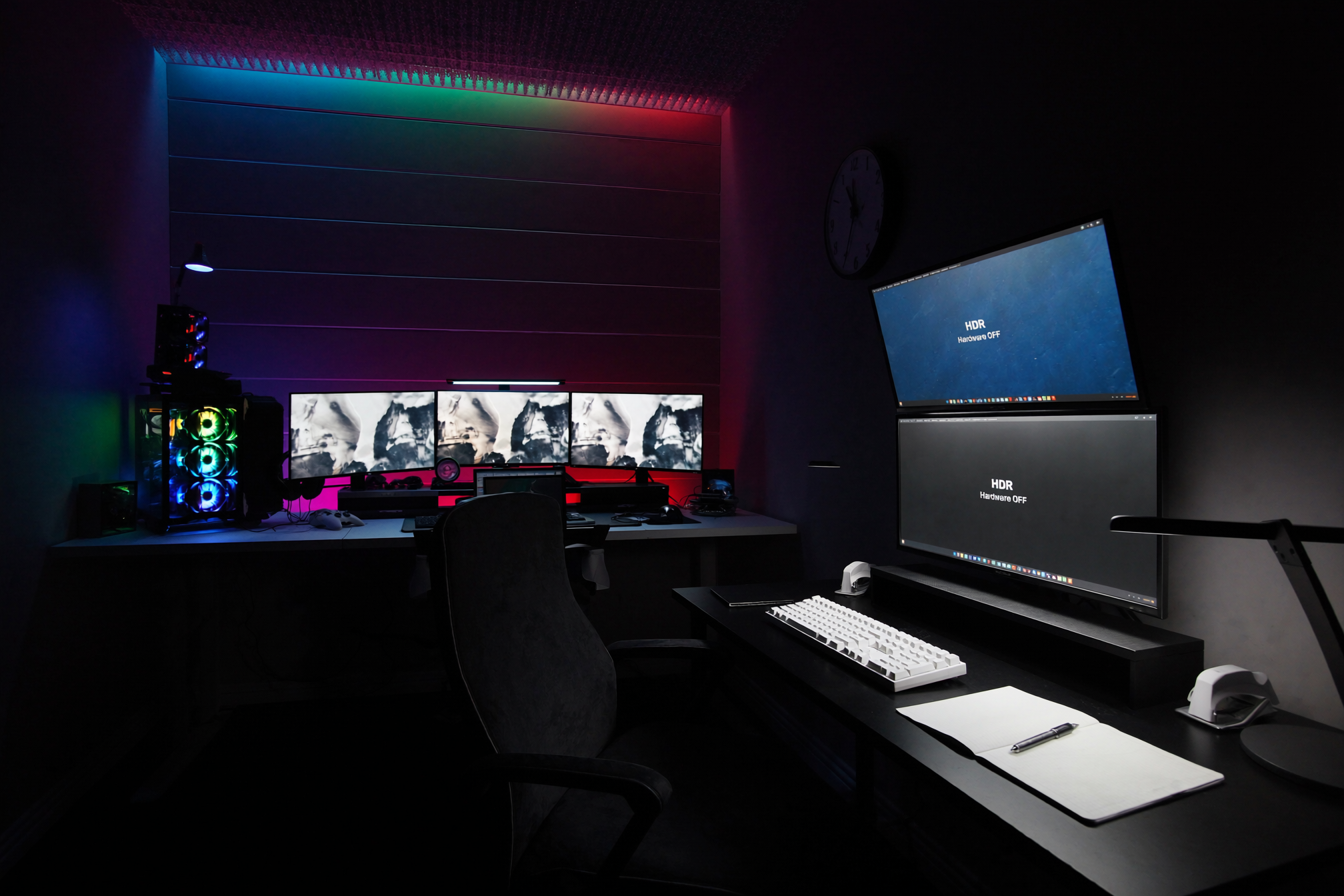
Gaming setups prioritize high refresh rate and low input lag above almost everything else, often on a single large or ultrawide display for immersion. Work setups tend to prioritize color accuracy, screen real estate for multitasking, and multiple monitors over raw refresh rate, since most office work doesn’t benefit from a 240Hz panel the way competitive gaming does.
Desk surface size and depth needs differ
Gaming desks often need extra depth to accommodate a mouse mat with room for wide sweeping motions, plus space for peripherals like a controller or headset stand. Work desks generally need width more than depth, to spread out multiple monitors or physical documents side by side.
Lighting goals are almost opposite
Gaming setups often lean into RGB and ambient lighting as part of the aesthetic and atmosphere. Work setups need functional, glare-free, adjustable-temperature lighting focused on reducing eye strain during long focused sessions and looking presentable on video calls — decorative lighting is a lower priority than practical lighting.
Chair and posture needs overlap more than people expect
Both gaming and work setups benefit from a genuinely supportive chair for long sitting sessions, and this is one area where the same gear serves both purposes well — an ergonomic chair isn’t really “gaming” or “work” specific despite how it’s often marketed.
Cable management priorities differ in visibility, not importance
Gaming setups sometimes treat cable runs as part of the visual design, especially with RGB cable sleeves. Work setups more consistently aim to hide cables entirely for a clean, professional-looking background. Both benefit from actual cable management — the difference is whether the result is meant to be seen or disappear.
Bottom line
If your desk serves double duty, prioritize gear based on which use case is more time-sensitive to get right — refresh rate and immersion for gaming, or screen real estate and eye comfort for work — rather than trying to optimize equally for both at once.
Leave a Reply