Heads up: some links in this post are affiliate links, which means we may earn a small commission if you make a purchase — at no extra cost to you.
The way you turn a desk lamp on and off might seem like a minor detail, but it shapes how you interact with your lighting every single day. Button switches, touch controls, and pull-chains each have distinct advantages and quirks that affect durability, ease of use, and placement flexibility. Here’s how these three common switch types compare so you can choose the right one for your workspace.
Button Switches: Simple, Reliable, and Easy to Locate
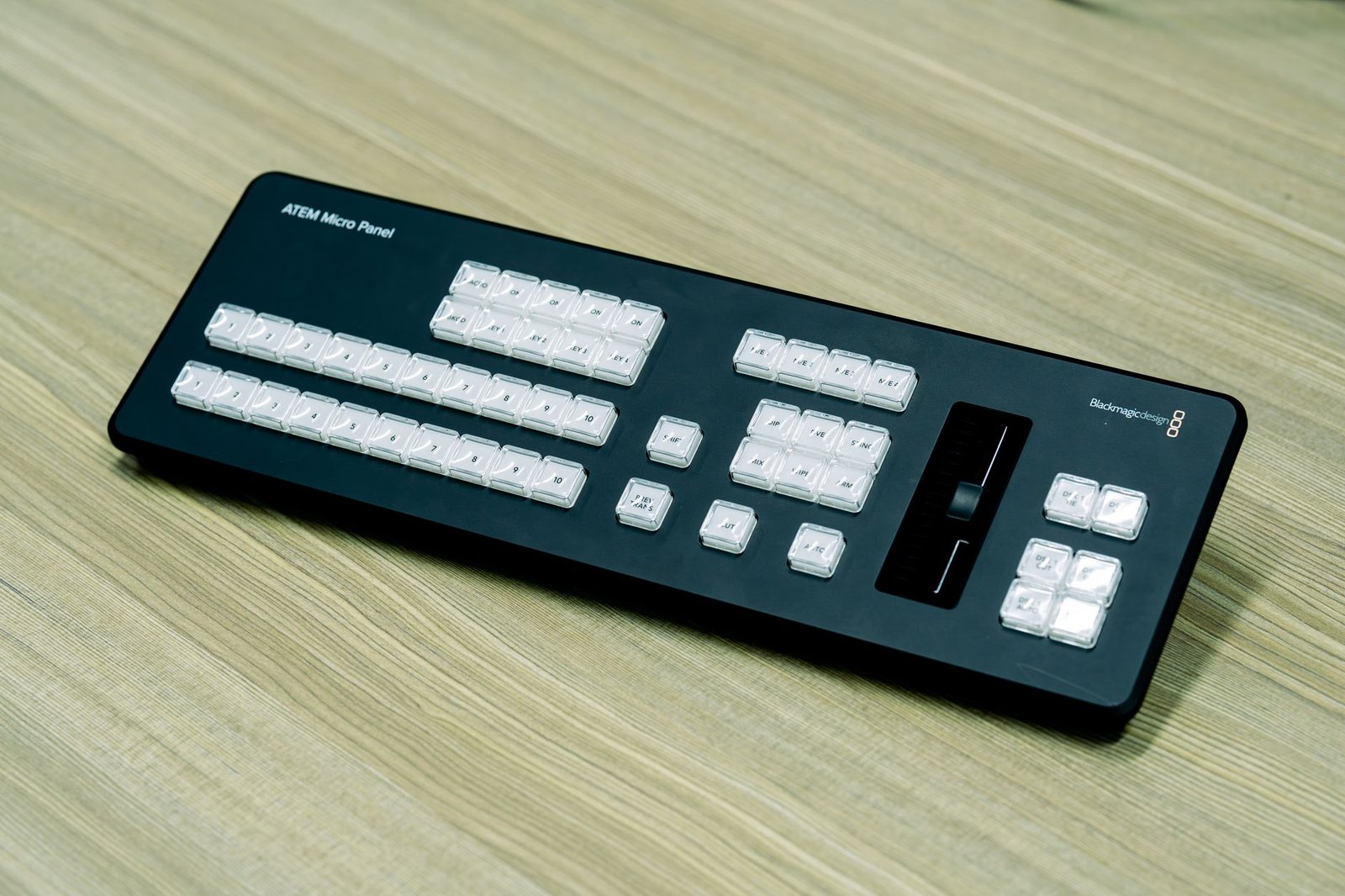
Button switches—whether raised, recessed, or rocker-style—are the most common control type on modern desk lamps. They’re tactile, intuitive, and rarely malfunction. Most button-operated lamps place the switch on the base or mid-arm, making it easy to reach without fumbling in the dark.
Based on specs and customer feedback, button switches hold up well over thousands of presses. They work with any dimming mechanism and integrate cleanly into lamp designs without adding bulk. The main downside is placement: if your lamp sits toward the back of your desk, reaching a base-mounted button can be awkward. Lamps with mid-arm or shade-mounted buttons solve this problem but are less common.
Button switches are a solid choice if you want straightforward, long-lasting operation and don’t mind a visible control element.
Touch Controls: Sleek and Modern, but Placement-Sensitive
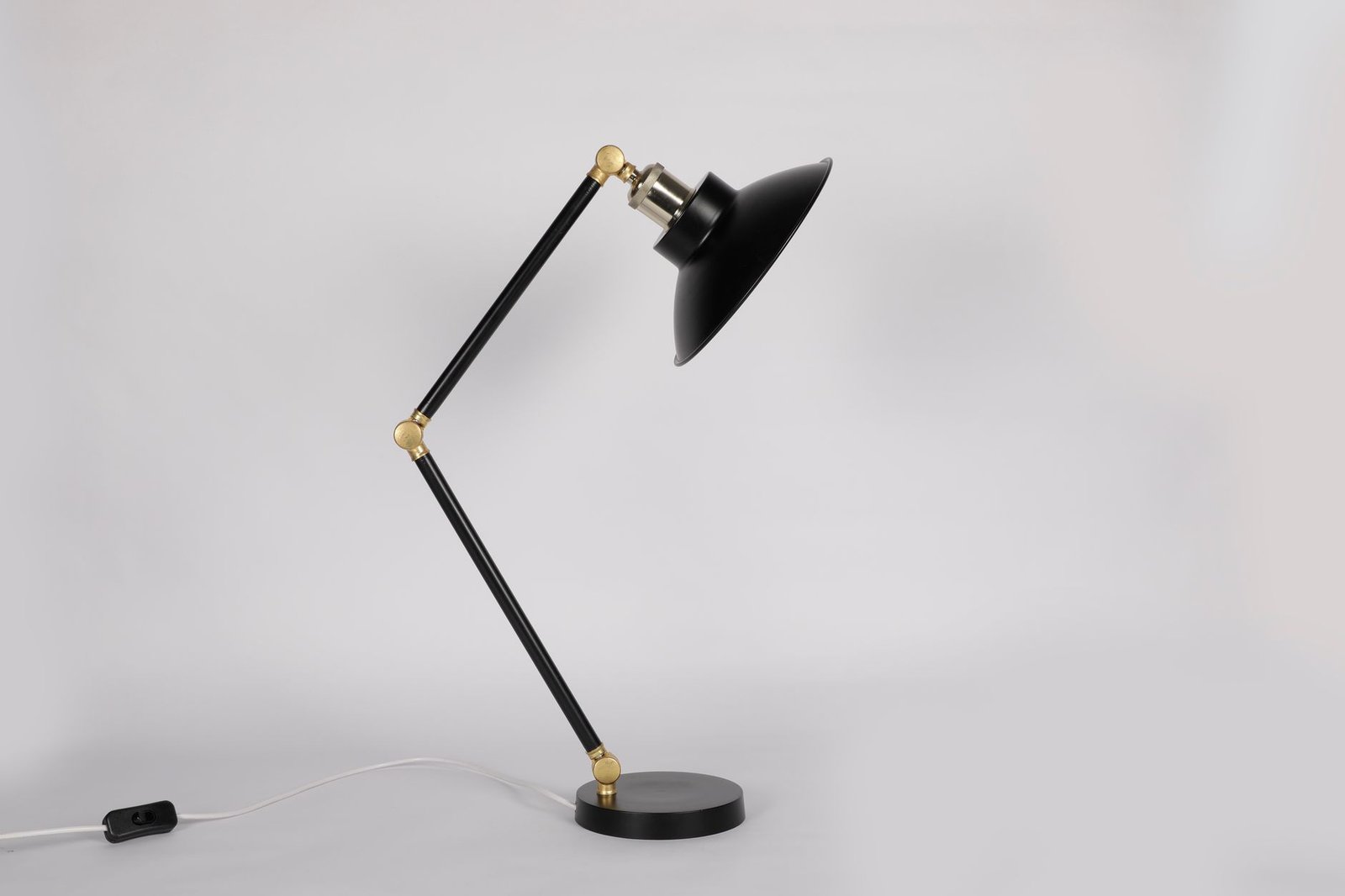
Touch-sensitive lamps eliminate physical buttons entirely. You tap anywhere on a designated zone—usually the base, arm, or shade—to cycle through brightness levels or toggle power. The result is a cleaner, more minimal aesthetic that appeals to users who prefer seamless designs.
Touch controls shine when the lamp sits within arm’s reach on your desktop. They’re effortless to operate during video calls or when you’re adjusting lighting for video calls without glare. However, they can be finicky if your hands are wet or if you’re wearing gloves, and some users report accidental activation when moving or cleaning the lamp.
Touch lamps also rely on capacitive sensors, which occasionally fail or become less responsive over time. If you prioritize aesthetics and your lamp stays in a consistent, reachable position, touch controls deliver a premium experience. If you prefer bulletproof reliability, a physical switch may be the safer bet.
Pull-Chain Switches: Old-School Durability with Limited Placement
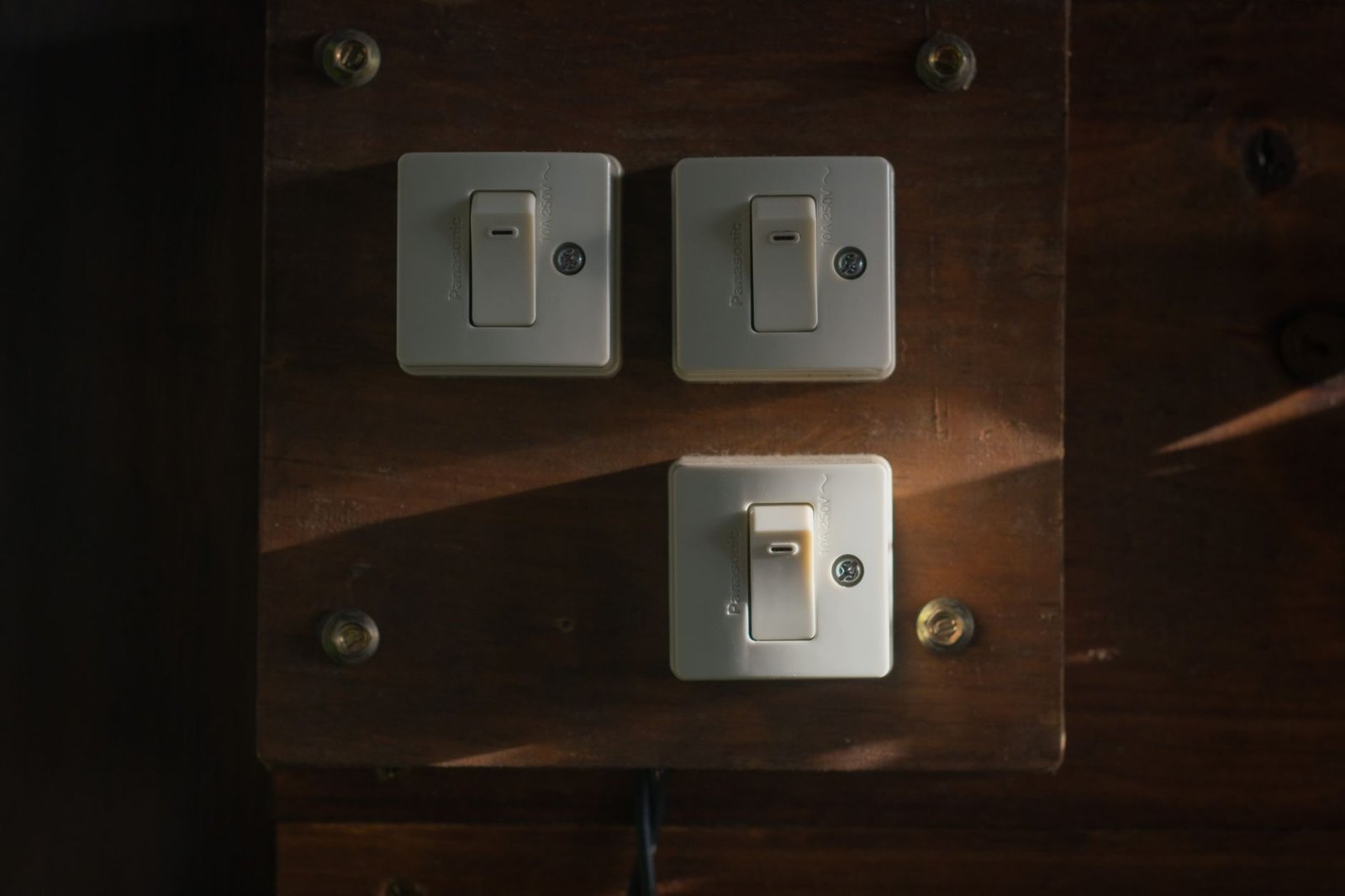
Pull-chain switches are the classic desk lamp control: a metal or plastic chain dangles from the shade or socket, and you tug it to cycle through settings (typically off, low, and high). They’re mechanically simple, rarely break, and work in any environment without relying on electronics.
The tradeoff is ergonomics. Pull-chains require enough clearance to dangle freely, so they’re best suited to traditional, upright lamp designs. They’re awkward on low-profile or articulating lamps where the shade sits close to the desk surface. Chains also wear visually over time—some users find the dangling cord charming; others consider it dated.
Pull-chain lamps are ideal for budget-conscious buyers or anyone who values no-fuss mechanical switches. They’re particularly well-suited to clamp-on or architect-style lamps where the shade remains accessible.
Which Switch Type Should You Choose?
Your ideal switch depends on where your lamp sits and how you use it. If your lamp stays within easy reach on your desktop, touch controls offer the cleanest interface. If you want dependable operation and don’t mind a visible control, button switches are the most versatile choice. Pull-chains make sense for traditional designs or lamps mounted in fixed positions where electronic controls aren’t necessary.
Consider how often you adjust brightness throughout the day, whether you use dimmable features, and whether the lamp’s aesthetics matter to you. A rechargeable LED desk lamp (affiliate link) with a touch-sensitive base can eliminate cord clutter while offering intuitive control, but a well-placed button lamp will serve you just as reliably for years.
All three switch types work—your workspace layout and personal preferences will determine which one fits best.
Leave a Reply