Heads up: some links in this post are affiliate links, which means we may earn a small commission if you make a purchase — at no extra cost to you.
Screen glare from poor lamp placement is one of the most common complaints in home offices, yet it’s completely preventable with the right setup. A well-positioned desk lamp improves visibility without creating reflections on your monitor or causing eye fatigue. Understanding the angles and zones that cause glare will help you configure your lighting for maximum comfort and productivity.
Why Desk Lamp Glare Happens
Glare occurs when light from your lamp reflects directly off your monitor screen and into your eyes. This typically happens when the lamp sits directly behind or in front of you, creating a direct bounce path between the light source, screen, and your line of sight. Glossy or matte-finish monitors both suffer from this issue, though glossy screens tend to show more pronounced reflections. The problem compounds when your lamp is at or above eye level, increasing the angle of reflection into your field of vision.
The Side-Placement Rule
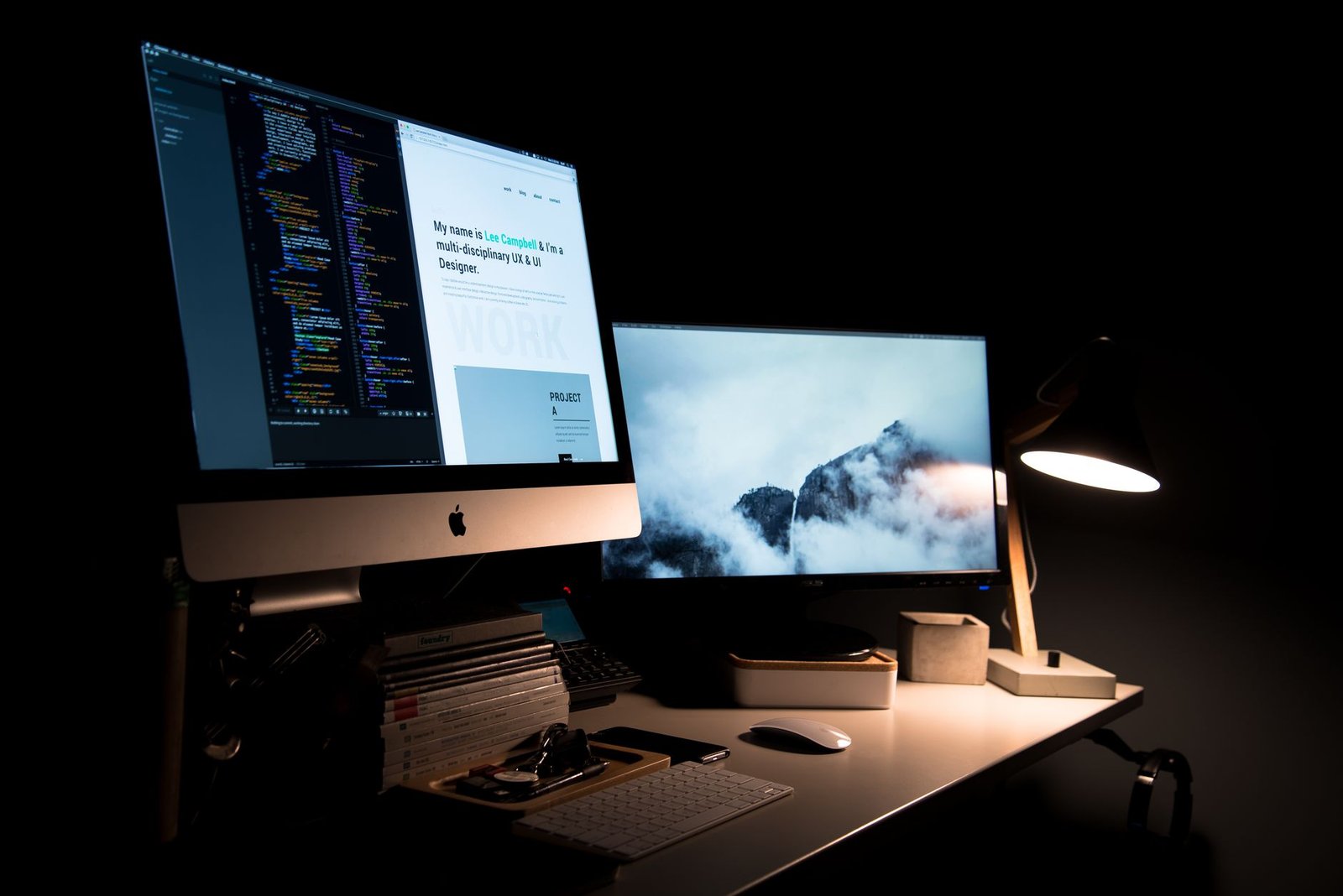
The most effective position for a desk lamp is to the side of your monitor—specifically, on your non-dominant hand side. If you’re right-handed, place the lamp on your left; this prevents your writing hand from casting shadows on your work. Position it 15 to 20 inches away from the edge of your monitor at roughly a 45-degree angle from your seating position. This side placement keeps the light source outside the reflection zone while still illuminating your desk surface and keyboard. Adjustable lamps work particularly well here because you can fine-tune the angle to avoid any stray reflections while maintaining adequate task lighting. A rechargeable LED desk lamp (affiliate link) with a flexible arm makes it easy to dial in the perfect angle for your specific monitor.

Height and Angle Adjustments
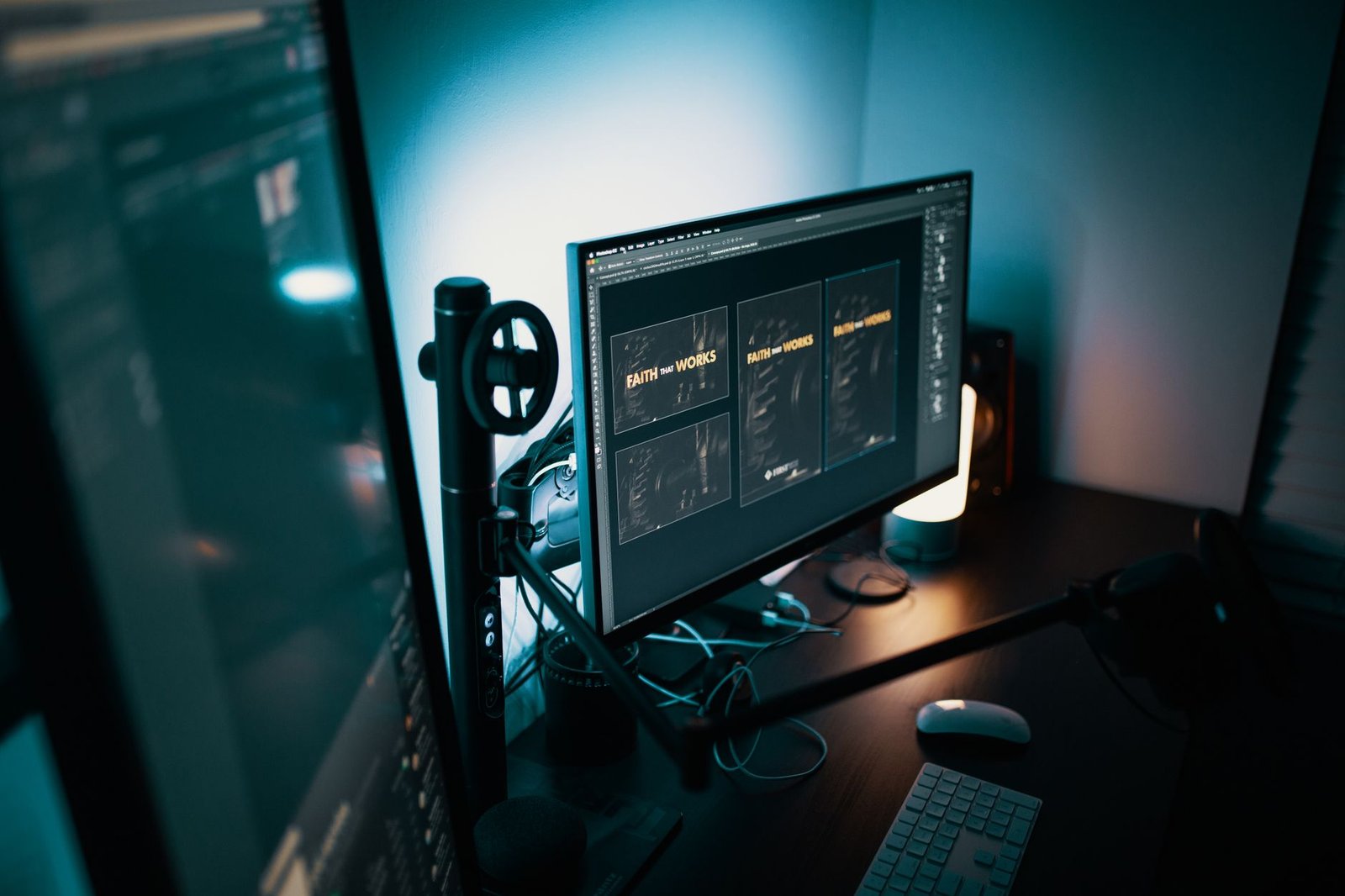
Your lamp’s vertical position matters just as much as its horizontal placement. Keep the light source below eye level—ideally 15 to 18 inches above your desk surface. This downward angle directs light onto your workspace without bouncing off the screen. Tilt the lamp head so it points slightly away from the monitor rather than toward it. If you notice any reflections, adjust the lamp head in small increments until the glare disappears. For those working with dual monitors, position the lamp farther to the side to minimize reflections across both screens, or consider adding a second lamp on the opposite side for balanced illumination without hotspots.
Combining Ambient and Task Lighting
Relying solely on a desk lamp often creates too much contrast between your bright workspace and the darker room around you, which can strain your eyes. Layer in ambient lighting—ceiling lights, floor lamps, or wall sconces—to reduce the overall brightness differential. Your desk lamp should be your brightest source, but the room shouldn’t be completely dark. This balanced approach minimizes pupil adjustment and reduces fatigue during long work sessions. If you’re still experiencing eye strain despite proper lamp placement, you may also want to review whether your color temperature matches your work needs.
Quick Glare Check and Troubleshooting
Once you’ve positioned your lamp, sit in your normal working position and look at your monitor. If you see a bright spot or reflection of the bulb or lamp shade, the light is still in the glare zone. Move the lamp farther to the side or adjust its tilt. Turn off overhead lights temporarily to isolate whether the desk lamp alone is causing the issue. Also check for indirect reflections—sometimes light bounces off walls, picture frames, or glossy desk surfaces before hitting your screen. Matte desk surfaces and non-reflective wall paint help reduce these secondary sources. If cable clutter is interfering with lamp placement, consider organizing your desk cords with sleeves, clips, or trays to free up positioning options.
Leave a Reply