
This post contains affiliate links. If you buy through these links, we may earn a commission at no extra cost to you.
Most cluttered desks aren’t cluttered because of too many cables — they’re cluttered because of a handful of avoidable habits. Here are the most common ones and what to do instead.
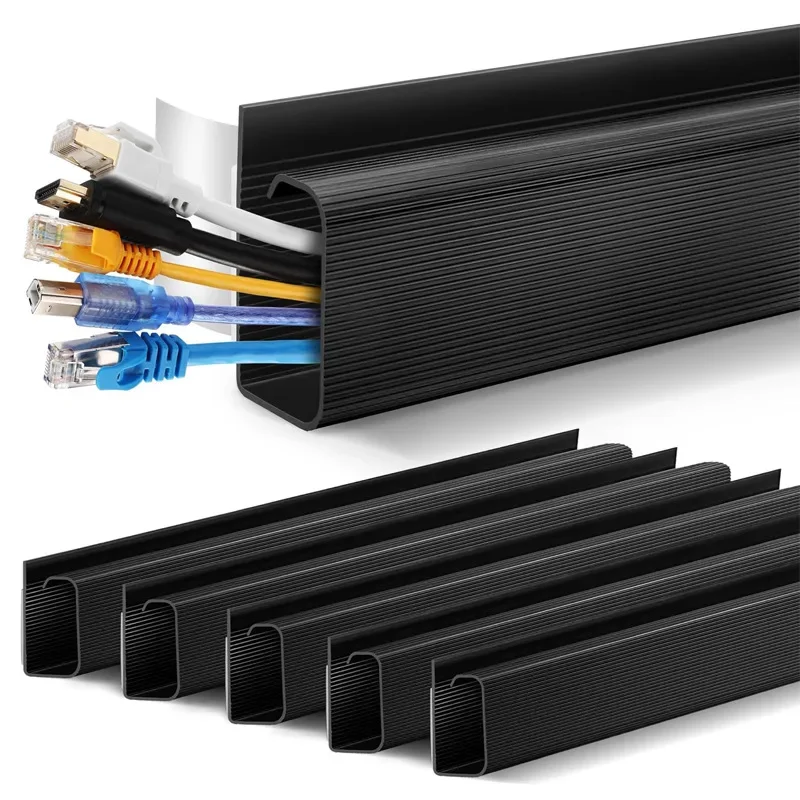
1. Letting cables hang in open air
A cable that runs straight from the desktop to an outlet with nothing supporting it in between will always look messy, no matter how few cables you have. Route cables along a fixed path — a desk leg, the back edge of the desktop, or a cable tray — instead of letting them hang freely.
2. Buying cables that are too long
Excess cable length has to go somewhere, and it’s usually a loose coil sitting in view. Where possible, buy cables sized closer to the actual distance you need rather than defaulting to the longest option “just in case.”
3. Ignoring the power strip
A power strip sitting on the floor or dangling off the back of the desk becomes the visual center of a messy setup, since every other cable eventually connects to it. Mounting it under the desk or inside a cable tray removes it from view entirely.
4. Mixing cable types into one bundle
Zip-tying power cables, data cables, and audio cables all into a single bundle makes it harder to trace any individual line later and can occasionally introduce interference between power and signal cables. Keep bundles grouped by function instead.

5. Using zip ties for everything
Zip ties are cheap but permanent — once tightened, changing anything means cutting them off and starting over. Velcro cable ties cost a little more but let you adjust or add a cable without redoing the whole bundle.
6. Forgetting about the charging brick
Laptop and monitor power bricks are bulky and don’t sit flat, so they tend to end up wherever they land — usually on the floor or hanging by their own cord. A small tray or a clip mounted under the desk gives them a fixed spot instead.
7. Never labeling anything
Without labels, every cable troubleshooting session turns into pulling on wires to see what moves. A few cable labels at each end save real time and prevent unnecessary bundle unwrapping down the line.
Example picks: the same under-desk cable tray and cable raceway from our cable management guide fix most of the mistakes above in one purchase. (affiliate link)

Bottom line
None of these fixes require replacing your desk or buying a lot of gear — most of them are five-minute changes. Fixing even two or three of these habits usually makes the biggest visible difference in how organized a desk looks.

Leave a Reply