
This post contains affiliate links. If you buy through these links, we may earn a commission at no extra cost to you.
Cable management is one of those desk upgrades that doesn’t show up in photos but changes how a workspace actually feels to use. A tangled mess under the desk makes cleaning harder, hides dust, and makes it harder to trace a problem when something stops working. Here’s a practical approach that doesn’t require rebuilding your whole setup.
Start by grouping, not hiding
The instinct is to shove everything out of sight, but the more useful first step is grouping cables by function — power cables together, data cables (USB, HDMI, Ethernet) together, and anything you unplug often kept separate and accessible. Once cables are grouped, hiding them becomes much easier because you’re working with two or three bundles instead of a dozen loose wires.
Use a cable tray to get wires off the floor
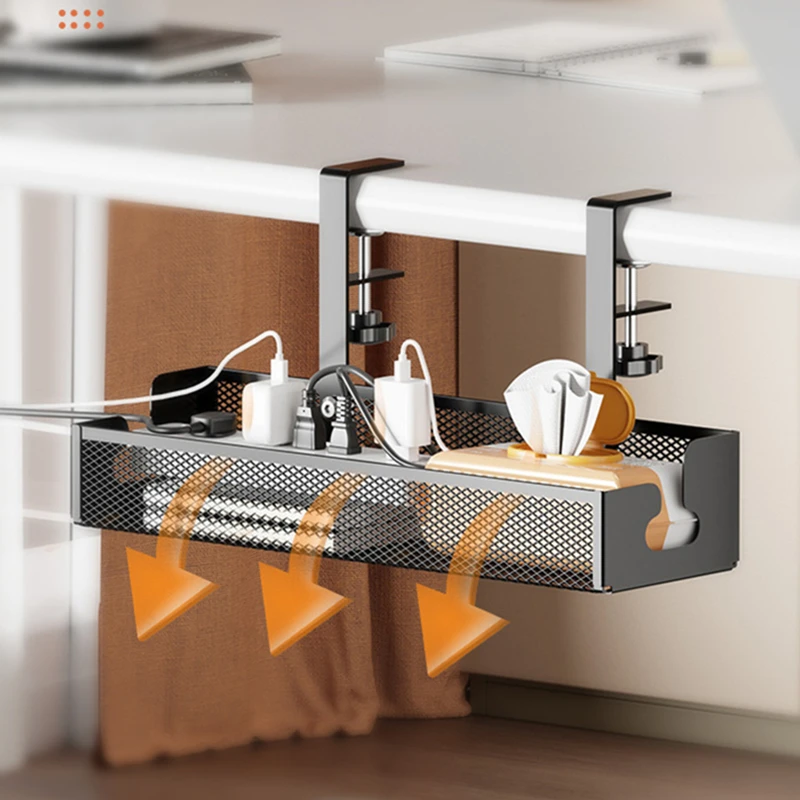
An under-desk cable tray, usually a mesh or solid basket that clips or screws to the underside of the desktop, gives you a single place to route power strips and excess cable length. This does two things: it keeps cords off the floor where they collect dust and get kicked, and it moves the “mess” out of your eyeline entirely since you’re not looking under the desk during the day.
Route, don’t just bundle
Adhesive cable clips along the back edge or leg of the desk let you route cables in a fixed path rather than letting them hang loose. This matters most for cables that run from your desktop down to a power strip — a clean vertical run along a desk leg looks far better than cables dangling in open air, and it also reduces strain on the ports they’re plugged into.

Deal with the power strip separately
Power strips are usually the ugliest part of any desk setup because every cable eventually funnels into one. Mounting the power strip itself to the underside of the desk or inside a cable tray keeps it off the floor and out of sight, and makes it much easier to switch devices on and off without reaching around blindly.
Label anything you might unplug
Once cables are bundled and routed, it’s easy to forget which is which. Simple cable labels or even masking tape with a marker at each end save real time later when you need to unplug one specific cable without pulling the whole bundle apart to find it.
Don’t over-bundle
It’s tempting to zip-tie everything into one tight bundle, but overly tight bundling can strain individual cables and makes future changes harder — adding or removing one device means undoing the whole bundle. Velcro cable ties are worth the small extra cost over zip ties for exactly this reason: they’re reusable and adjustable.
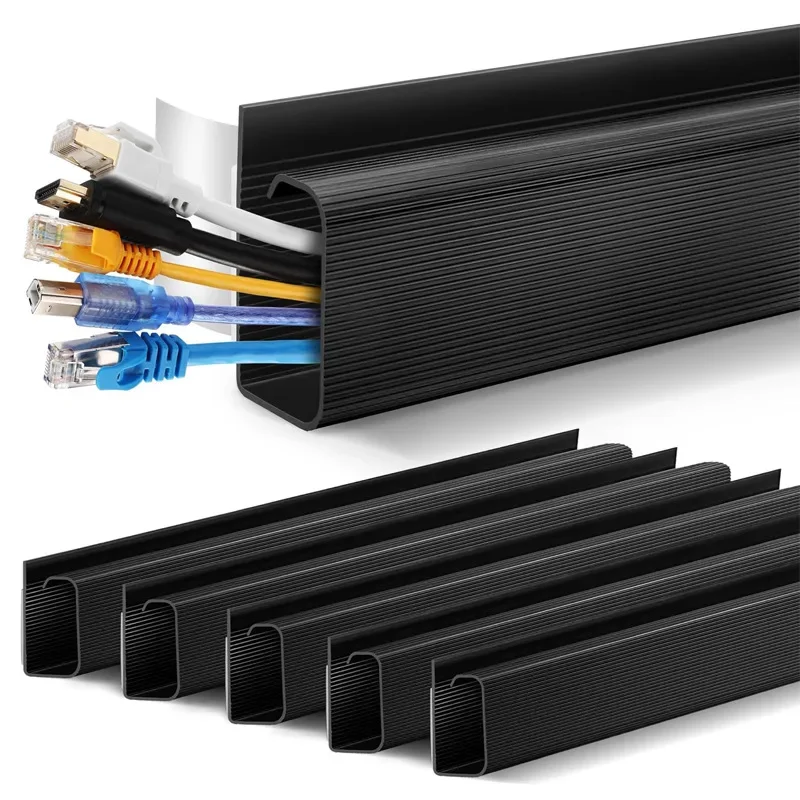
Example picks: a no-drill under-desk cable tray to get the power strip and bulk of the wiring off the floor, plus a PVC cable raceway for routing the last few cables along a fixed, hidden path. (affiliate link)
Bottom line
Good cable management isn’t about hiding every wire perfectly — it’s about creating a repeatable system: group by function, route along a fixed path, get everything off the floor, and keep it loose enough to modify later. Once that system is in place, adding a new device to your desk takes minutes instead of becoming a full afternoon project.
Leave a Reply