Heads up: some links in this post are affiliate links, which means we may earn a small commission if you make a purchase — at no extra cost to you.
Video calls have become a daily reality for most remote workers, and your lighting setup can make the difference between looking professional and looking like you’re calling from a cave. Poor lighting creates unflattering shadows, washes out your features, or creates distracting glare on your glasses and screen. The good news is that you can dramatically improve your video call appearance by repositioning the desk lamp you already own—or by adding one strategically placed light source.
Why Your Overhead Light Isn’t Enough
Overhead lighting casts shadows downward, which means the light hits the top of your head and shoulders but leaves your face in shadow. This creates dark circles under your eyes and emphasizes any facial lines. Ceiling fixtures also can’t adjust to follow you if you lean forward or shift in your chair. Even if you already have overhead lighting, a dedicated desk lamp positioned at face level fills in those shadows and creates a more flattering, even appearance on camera.
The 45-Degree Rule: Where to Position Your Lamp
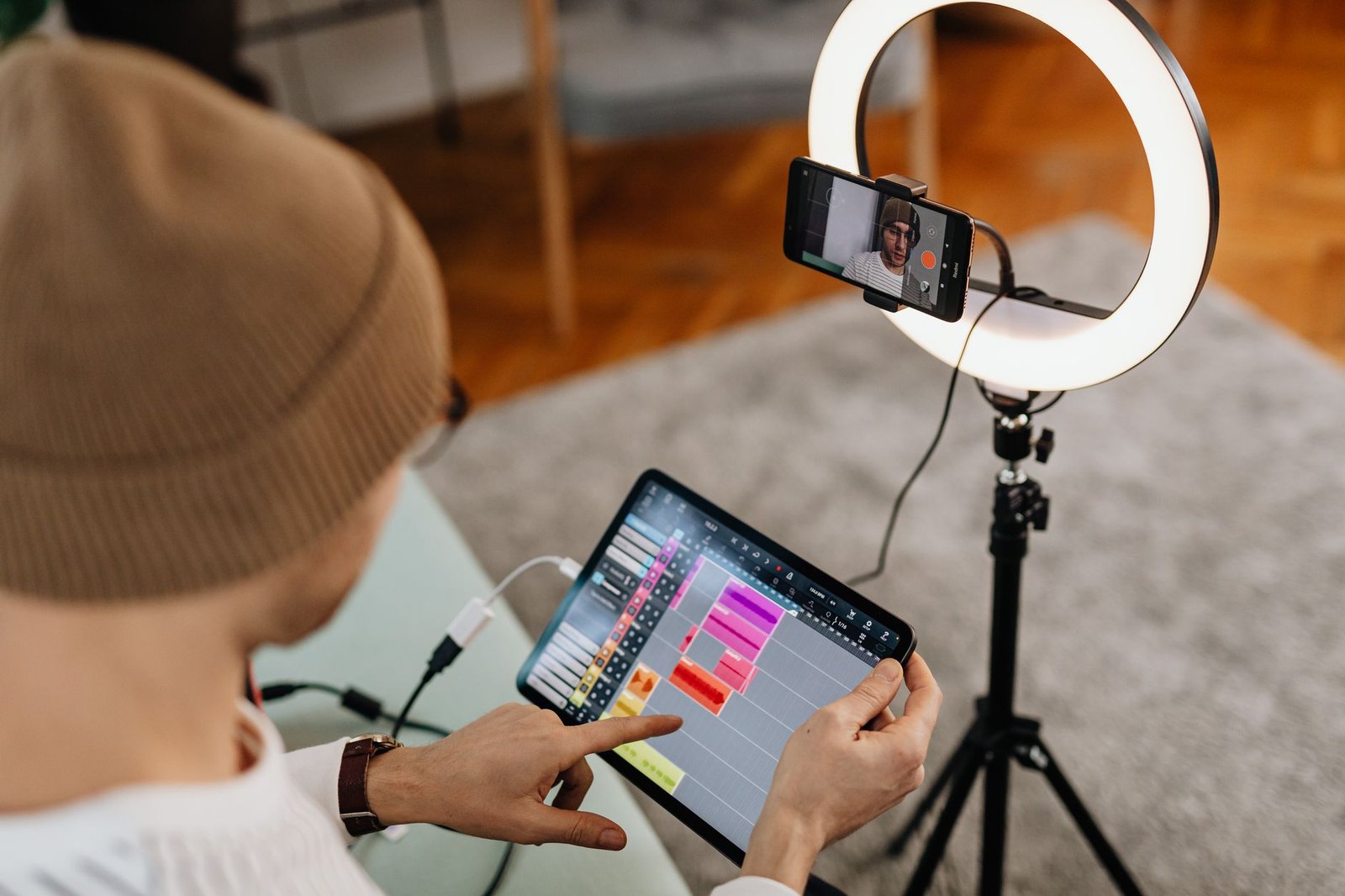
The most flattering lighting angle for video calls is approximately 45 degrees above and to the side of your face. Place your lamp slightly above eye level and angle it down toward your face, positioning it either to the left or right of your monitor. This creates soft, directional light that mimics natural window light and minimizes harsh shadows. If you’re using a rechargeable LED desk lamp (affiliate link), look for one with an adjustable arm that lets you fine-tune this angle without repositioning the entire base.
Avoid placing your lamp directly behind your monitor. This creates a flat, frontal light that washes out your features and reduces depth. It also increases the chance of glare bouncing off your screen and into the camera.
Avoiding Glare on Glasses and Screens
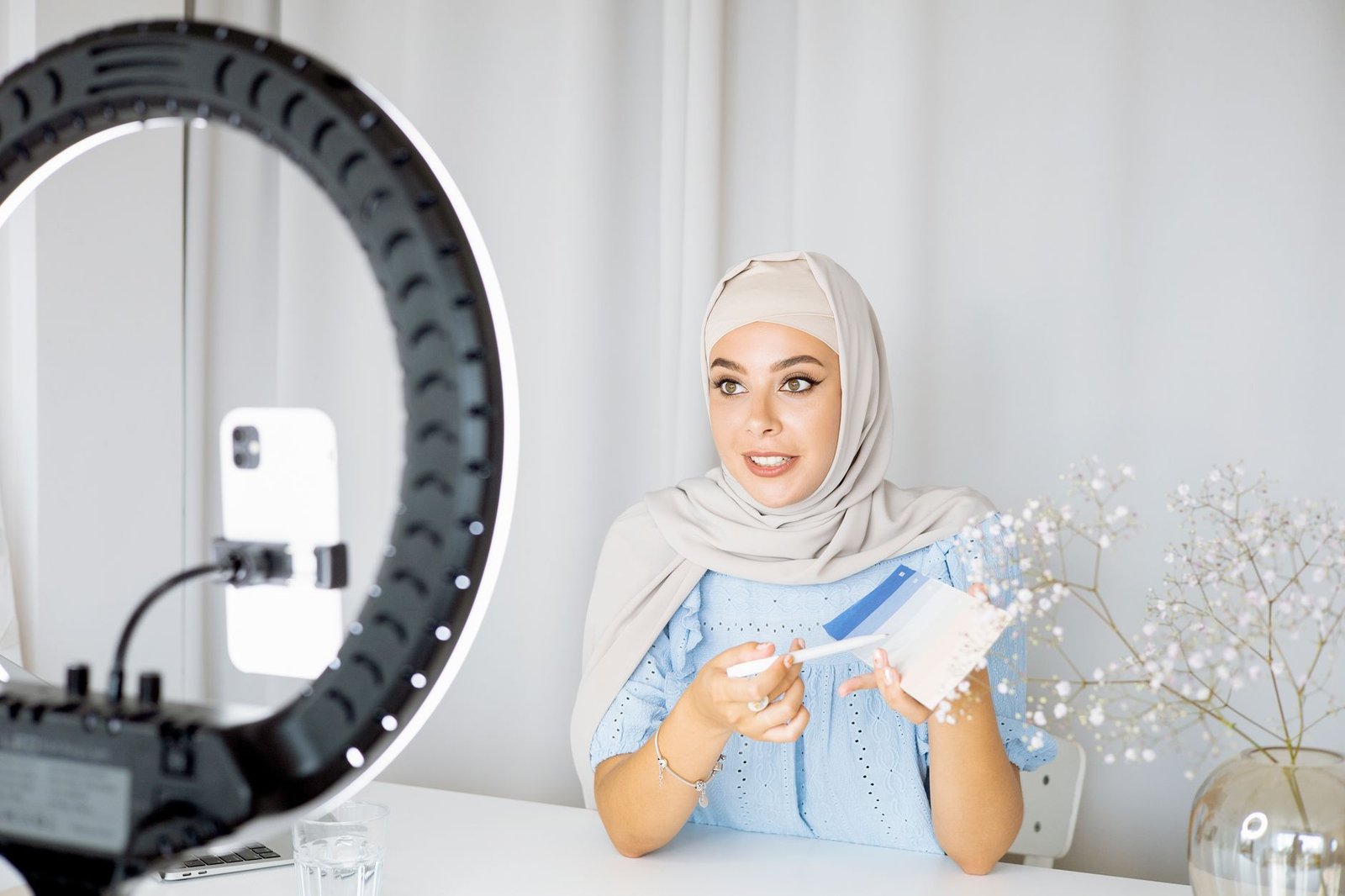
If you wear glasses, lamp placement becomes trickier. Position your light source slightly off to the side rather than dead-center in front of you—this reduces reflections on your lenses. Tilt the lamp head slightly downward so the light hits your face from above rather than straight on. If glare persists, move the lamp farther to the side or raise it higher.
Screen glare is equally distracting for you during calls. When considering desk lamp positioning, keep the light source behind or beside your monitor, not in front of it where it can bounce back into your eyes. Diffused LED lamps with adjustable brightness help you dial in just enough light without overpowering your workspace.
Color Temperature and Brightness for Video
For video calls, aim for a color temperature between 4000K and 5000K—this neutral white range looks natural on camera without the yellow cast of warm light or the harsh blue of cool daylight. Check your lamp’s specifications before purchasing if video appearance matters to you.
Brightness also matters. You want enough light to eliminate shadows, but not so much that you’re squinting or your camera automatically dims your background to compensate. Start with 400-600 lumens and adjust based on your room’s ambient light and your camera’s behavior. Many LED desk lamps include dimmer controls that let you fine-tune brightness for different times of day.
Two-Light Setup for Better Results
If you have budget and desk space, a two-lamp setup eliminates nearly all shadows. Position one lamp at the 45-degree angle described earlier, then add a second, dimmer light on the opposite side as fill light. The key light (primary lamp) should be brighter than the fill light—aim for a 2:1 or 3:1 ratio. This creates dimension and depth without harsh shadows. Both lamps should be at similar heights and angles for balanced results.
Leave a Reply