Heads up: some links in this post are affiliate links, which means we may earn a small commission if you make a purchase — at no extra cost to you.
Once you’ve routed and bundled your desk cables, the next step is making sure you can actually identify them when you need to unplug, troubleshoot, or reorganize. Cable labeling seems like a small detail, but it becomes critical the moment you’re crouched under your desk trying to figure out which black power cable belongs to your monitor versus your docking station.
Three popular methods dominate home-office cable labeling: adhesive cable labels, clip-on cable tags, and heat-shrink tubing. Each has different strengths depending on how permanent you need the label, how often you swap cables, and how clean you want the look. Here’s a side-by-side comparison to help you decide.
Comparison Table: Cable Labels vs Cable Tags vs Heat Shrink

| Feature | Adhesive Cable Labels | Clip-On Cable Tags | Heat-Shrink Tubing |
|---|---|---|---|
| Installation | Peel and stick to cable | Clip or loop around cable | Slide over connector, heat with gun or lighter |
| Removability | Moderate; may leave residue | Fully reusable and repositionable | Permanent; must be cut off |
| Durability | Fades or peels with frequent handling | Very durable; won’t fade | Extremely durable; won’t peel or fade |
| Visibility | Wraps around cable, visible from most angles | Tag hangs off cable, easy to read | Low profile; only visible where applied |
| Best For | Semi-permanent setups, quick labeling | Frequently changing cables, rental setups | Permanent installs, cables you rarely unplug |
| Typical Cost | $8–15 per roll or sheet | $10–18 per pack (20–50 tags) | $8–12 per kit (100+ pieces) |

What Each Method Does Best
Adhesive cable labels are the quickest solution. You write or print on them, wrap them around the cable, and you’re done. Based on customer feedback, they work well for static home-office setups where you’re not constantly swapping gear. The downside is that cheaper labels can fade or peel after a few months, especially on cables that move frequently or get warm.
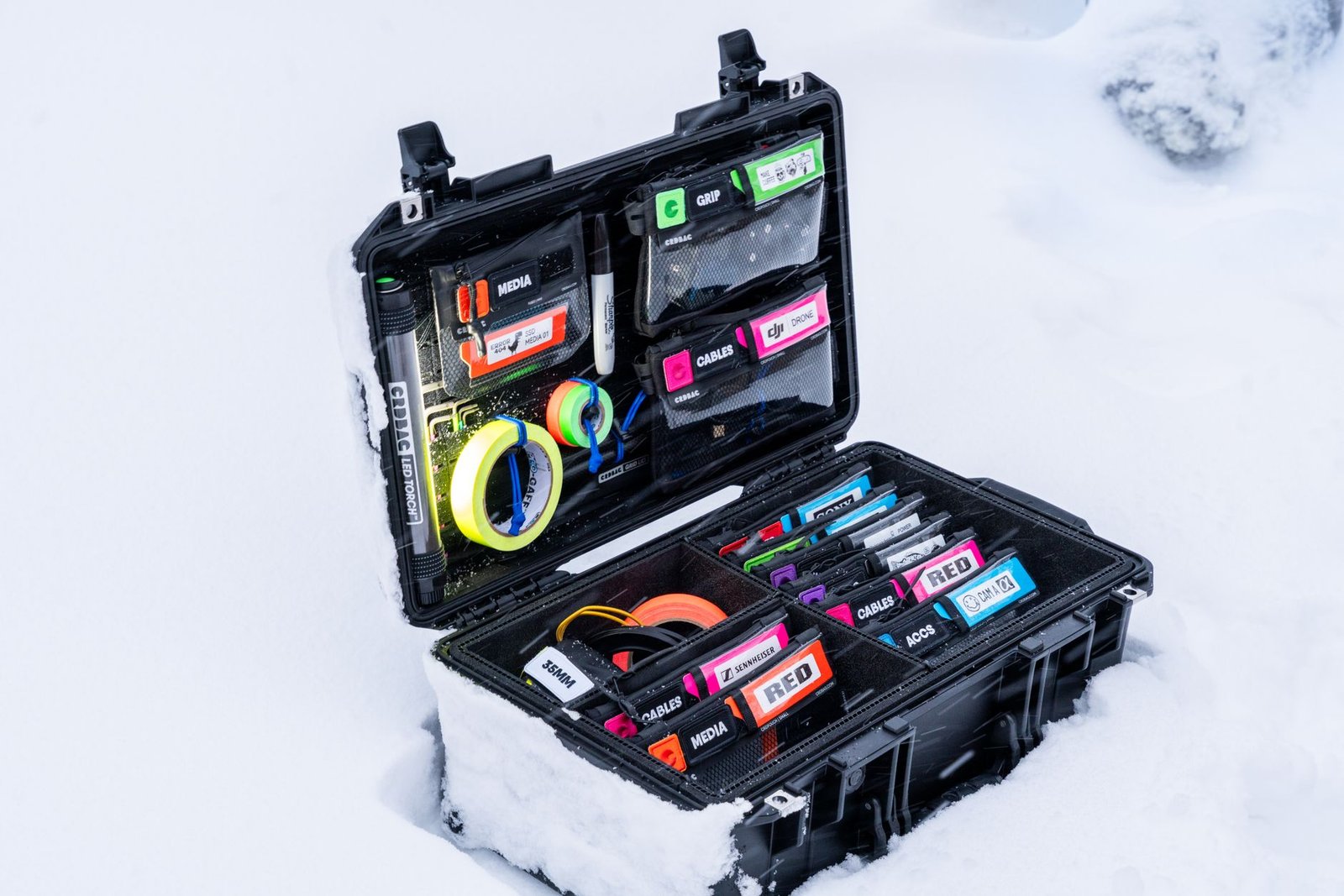
Clip-on cable tags are ideal if you’re still experimenting with your setup or plan to move soon. Because they loop or snap onto cables without adhesive, you can reposition or reuse them indefinitely. They’re popular among users who swap monitors, rearrange desks seasonally, or work in shared spaces. The trade-off is that they’re slightly bulkier and can snag on cable management channels if not positioned carefully.
Heat-shrink tubing offers the cleanest, most permanent solution. Once heated, it bonds tightly to the cable and won’t budge. Based on published specs and buyer reviews, this method is best for cables you install once and rarely touch—like power cables behind a desk or Ethernet runs. You can write on heat shrink with permanent marker or buy pre-printed kits. The downside is that removal requires cutting, so it’s not practical for frequently reconfigured setups.
Which One Should You Choose?
If you’re setting up a long-term home office and want a professional, low-maintenance result, heat-shrink tubing is the strongest choice. If you’re new to remote work, still tweaking your layout, or moving in the next year, clip-on tags offer maximum flexibility. Adhesive labels sit in the middle—good enough for most static setups, but expect to replace them eventually.
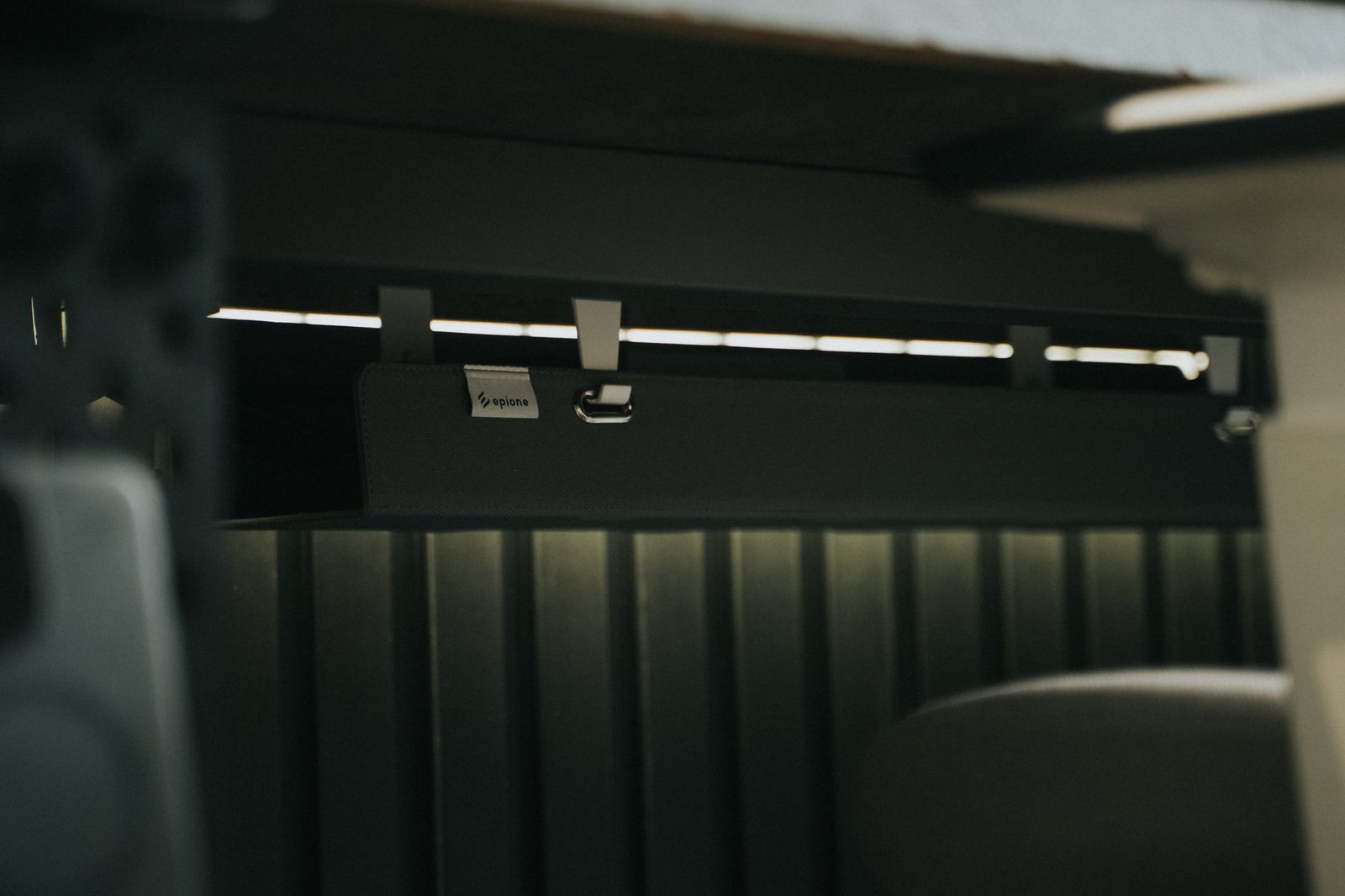
For a tidy installation, pair your chosen labeling method with an under-desk cable tray (affiliate link) to keep labeled cables grouped and accessible without cluttering your workspace.