
Heads up: some links in this post are affiliate links, which means we may earn a small commission if you make a purchase — at no extra cost to you.
When you’re working with limited square footage, every inch of your home office matters. The storage approach you choose—wall-mounted shelves and organizers versus traditional desktop containers—can make the difference between a cramped, cluttered workspace and one that feels surprisingly open. Both options promise to keep your supplies organized, but they do it in fundamentally different ways.
Here’s a practical checklist to help you decide which storage strategy fits your space, workflow, and desk setup.
Wall-Mounted Storage: When Vertical Space Is Your Best Asset

- Frees up desk surface completely. Wall shelves, pegboards, and mounted bins keep your work surface clear for your monitor, keyboard, and active projects. Based on buyer feedback, this approach works especially well in studio apartments or shared spaces where desk real estate is at a premium.
- Requires solid wall anchors. Lightweight items can hang on drywall anchors, but anything heavier—books, binders, or equipment—needs studs or toggle bolts. If you’re renting or can’t drill, this limits your options significantly.
- Items are visible but harder to reach. Wall-mounted storage keeps supplies in view, which helps with quick visual scans. The trade-off: you’ll be reaching up and away from your seated position, which can interrupt workflow if you need frequent access.
- Works best for reference materials and occasional-use items. Think manuals, books, backup supplies, decorative objects, or items you use once a day or less. For anything you grab multiple times per hour, desktop storage is usually faster.
- Installation is semi-permanent. Once you’ve drilled holes and mounted brackets, moving or reconfiguring your setup takes effort. This matters if you rearrange frequently or plan to move soon. Upgrading or relocating becomes a more involved process.
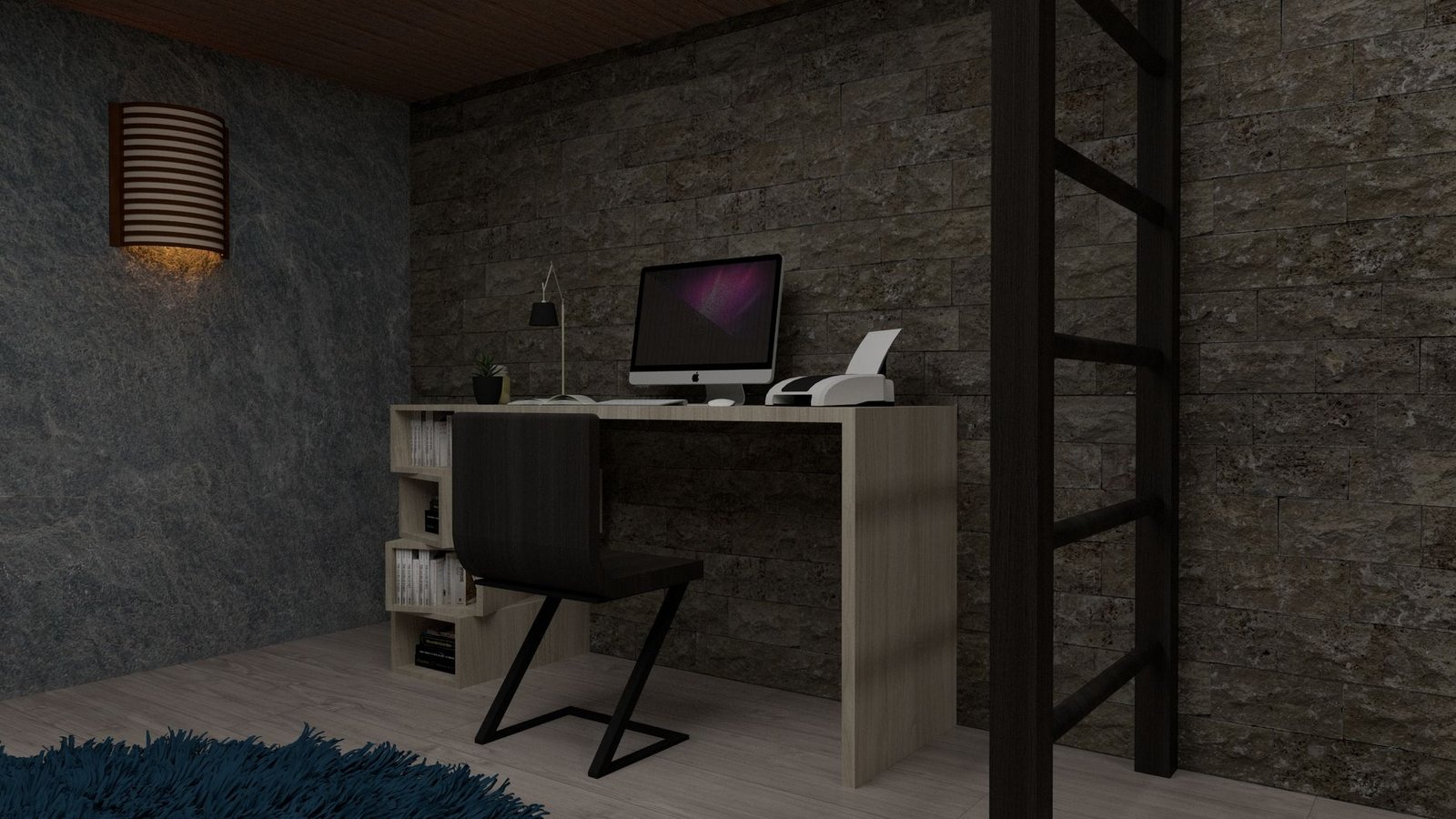
Desktop Storage: Keep Everything Within Arm’s Reach
- Zero installation required. Desktop organizers, drawer units, and tiered trays sit directly on your desk. No drilling, no damage, no landlord concerns. You can rearrange or remove them in seconds.
- Consumes valuable desk space. A three-drawer organizer or multi-tier tray can eat up 12–18 inches of horizontal space. In a small office, that’s often the difference between fitting a second monitor or feeling cramped. Consider how much storage your work type actually requires before adding desktop units.
- Ideal for high-frequency items. Pens, notepads, charging cables, sticky notes, and daily-use tools belong within arm’s reach. Desktop storage excels at organizing the items you touch every 10–30 minutes.
- Can create visual clutter. Even tidy desktop organizers add visual weight. In a small room, multiple containers and stacked trays can make the space feel busier and more closed-in than wall storage would.
- Easier to clean and reconfigure. Desktop units lift off the surface for dusting, and you can swap, stack, or remove them as your needs change. This flexibility is especially useful if you’re still figuring out your ideal setup.
The Hybrid Approach: Combine Both for Maximum Efficiency
- Use wall storage for bulk and reference items. Mount a shelf or pegboard above your desk for books, binders, and supplies you don’t need constantly.
- Keep a minimal desktop organizer for active tools. A single compact tray or 7-piece drawer organizer set (affiliate link) for pens, clips, and daily essentials keeps your most-used items accessible without covering your entire desk.
- Route cables off the desk entirely. If you’re already mounting shelves, consider adding cable management trays underneath to clear both the desktop and the wall space for actual storage.
For most small home offices, the answer isn’t one or the other—it’s using wall space for the bulk of your storage and reserving your desktop for the handful of items you actually use all day. That combination keeps your workspace functional without sacrificing the surface area you need to do your job.
Leave a Reply